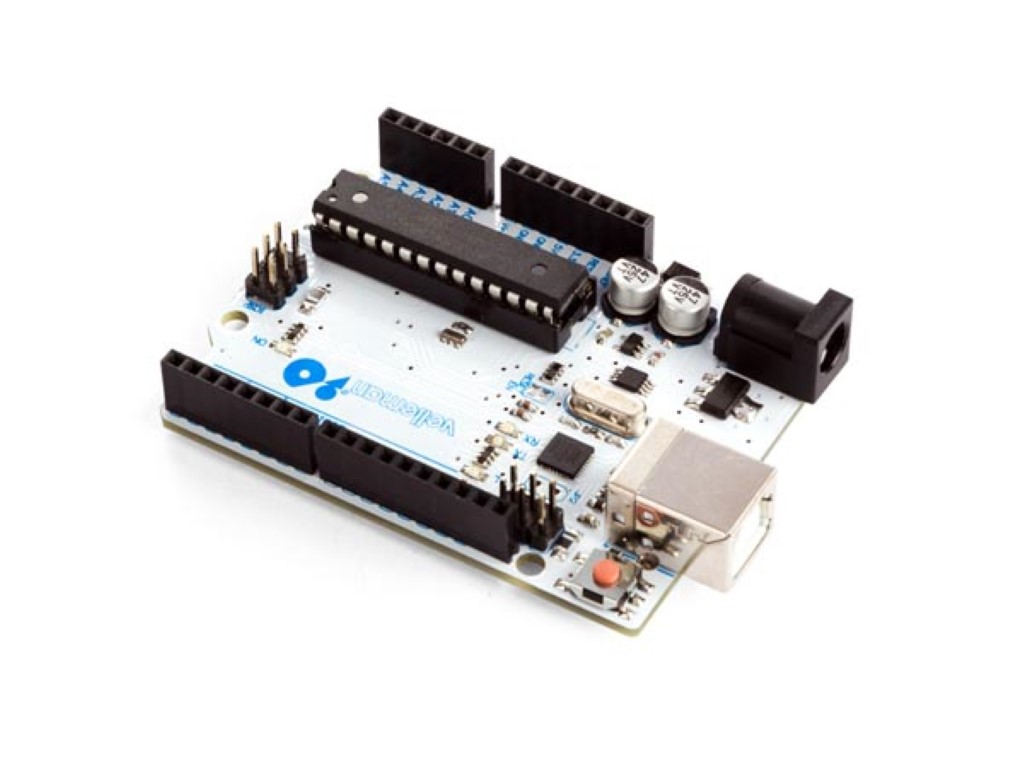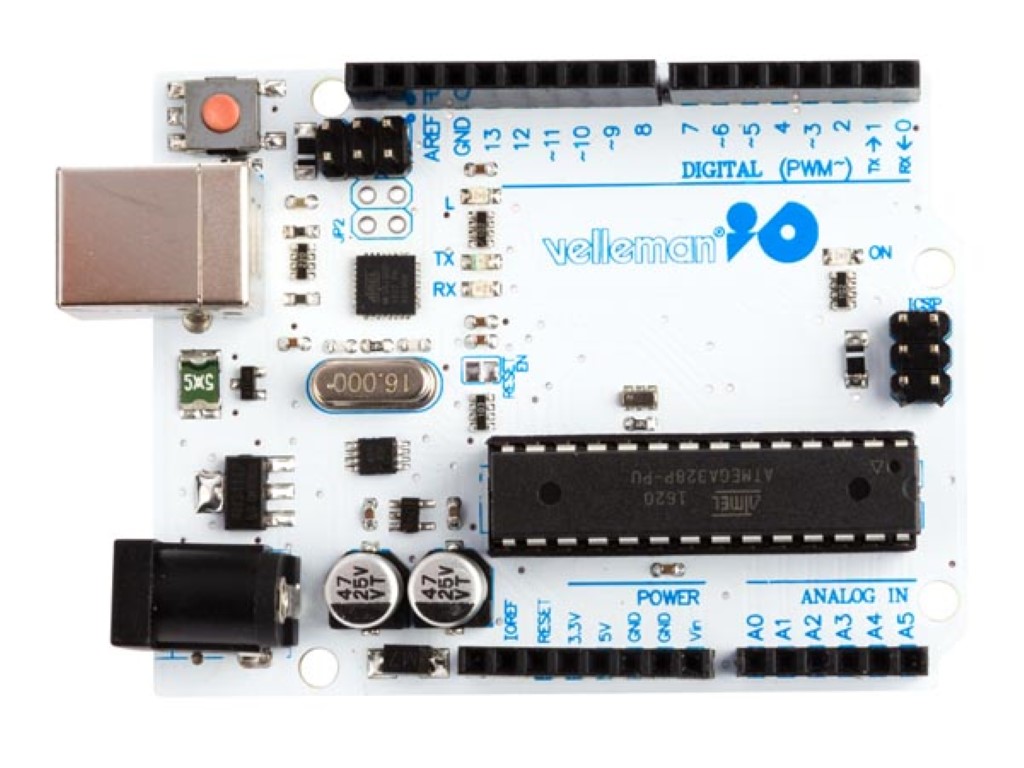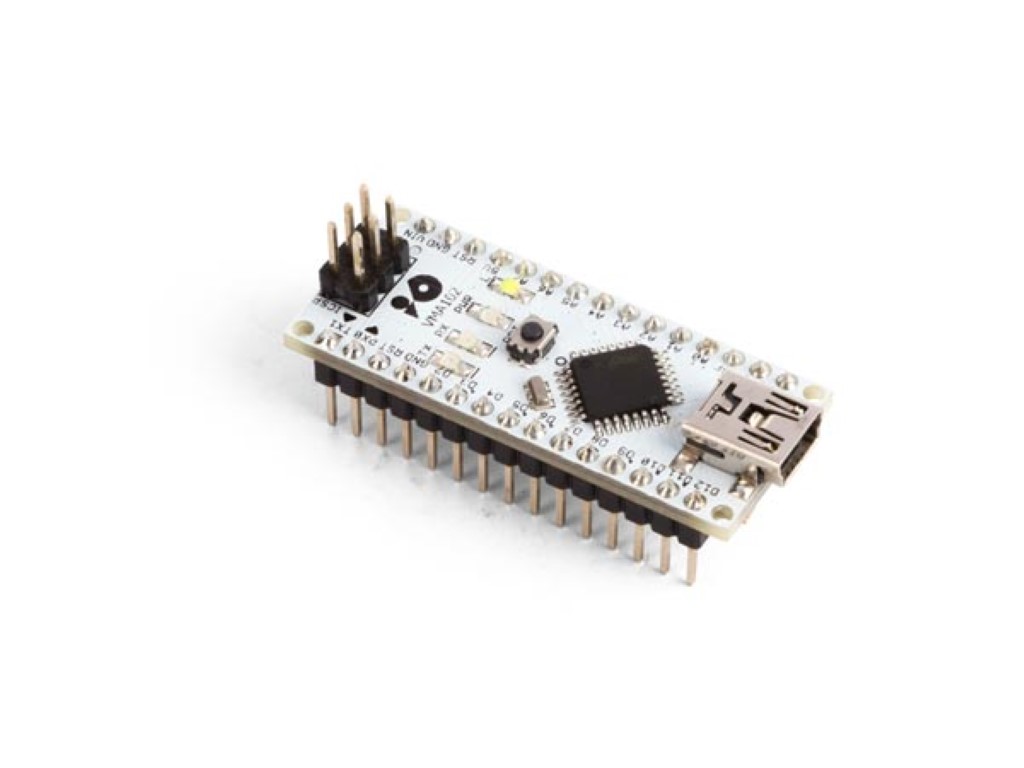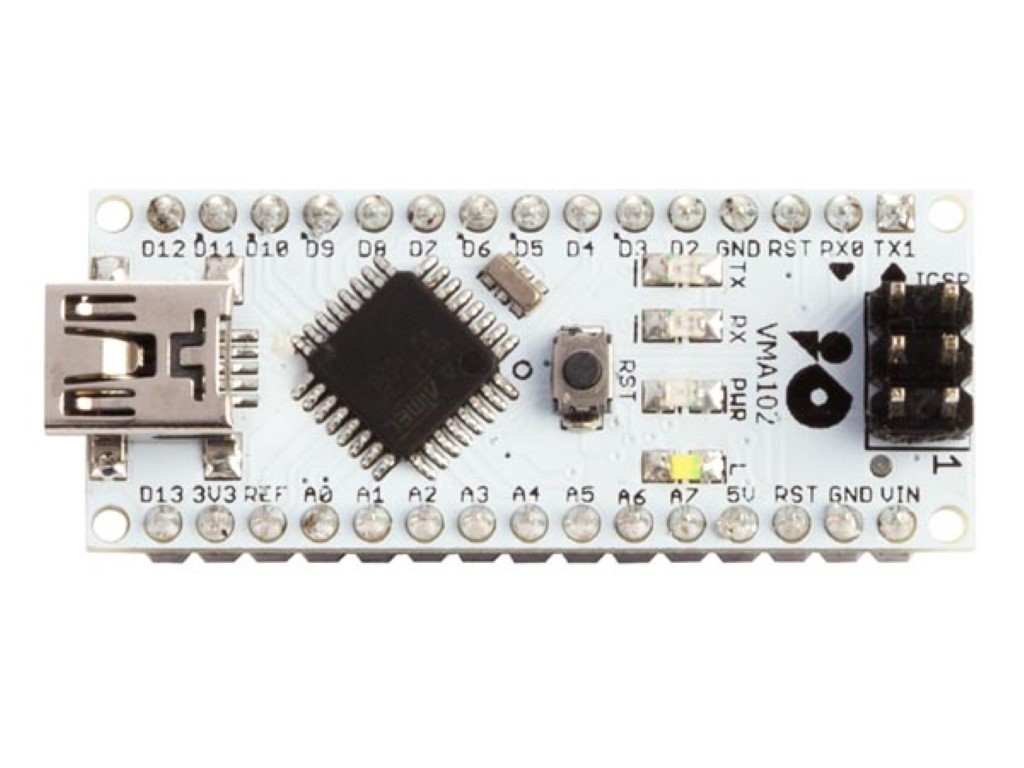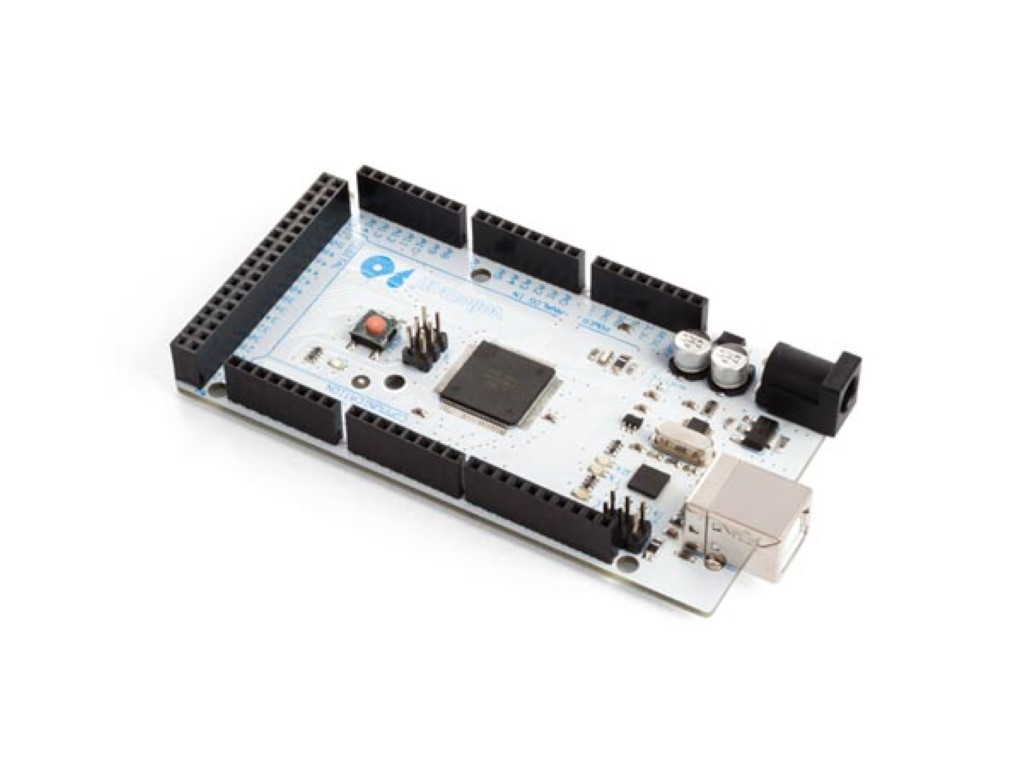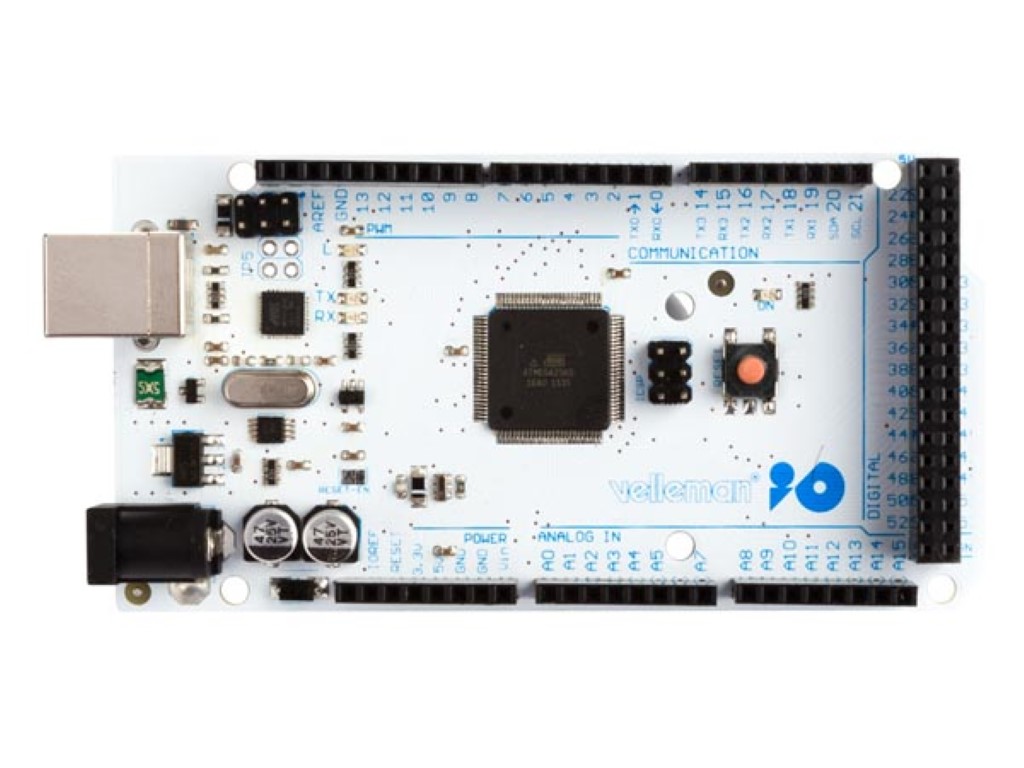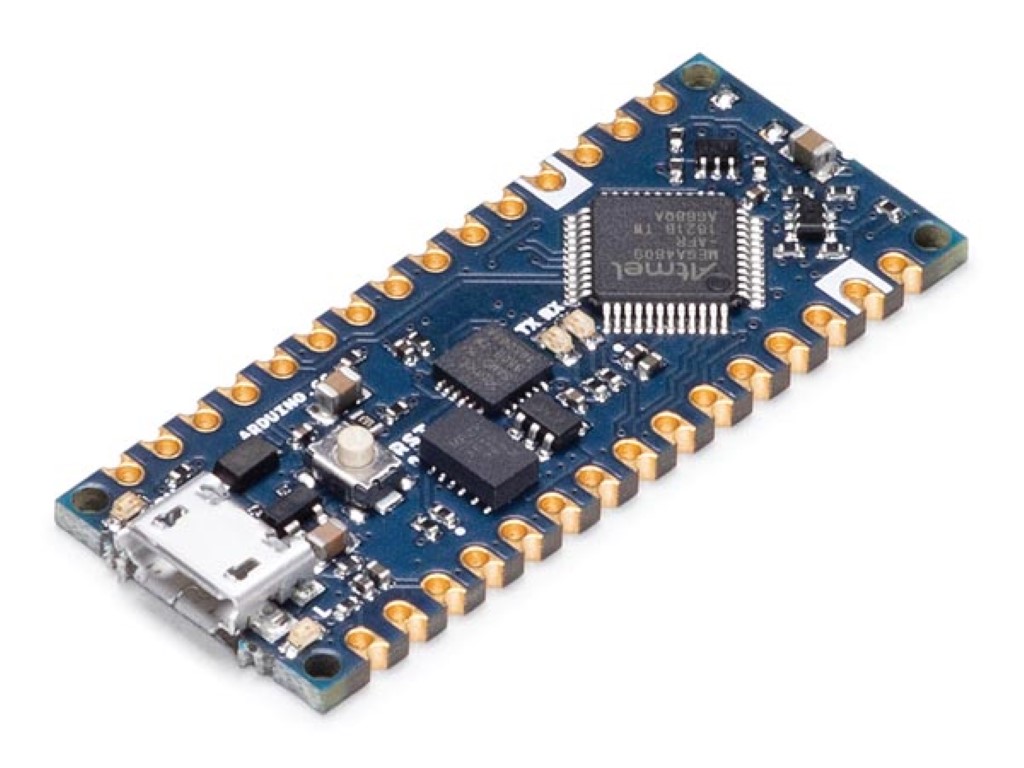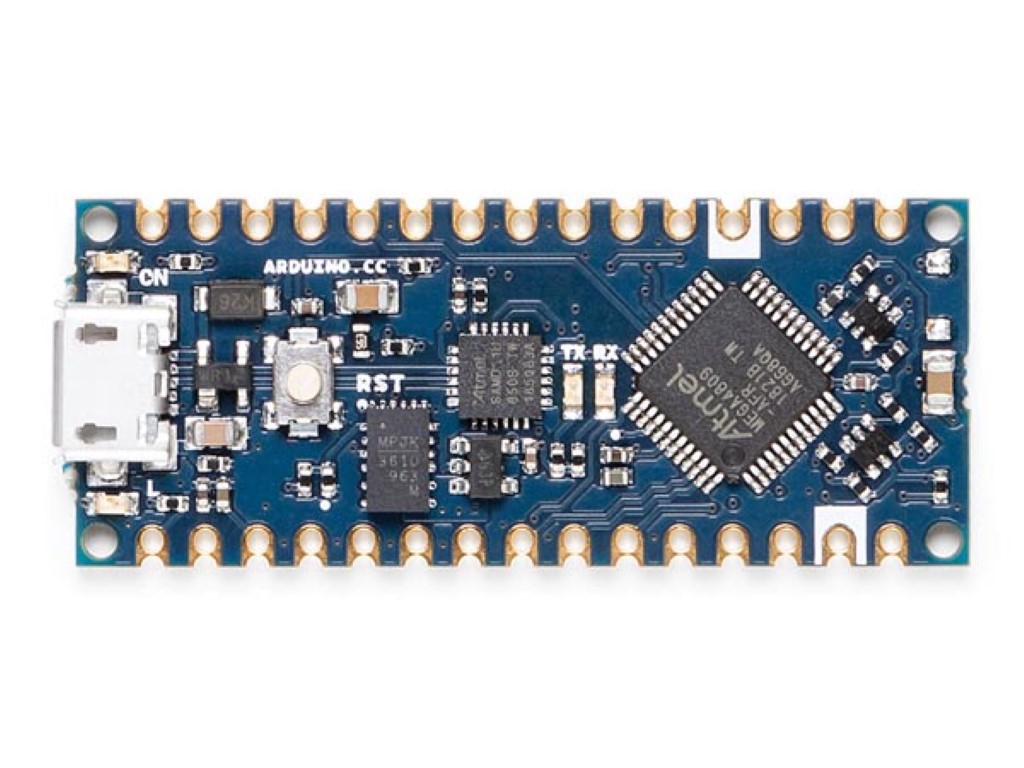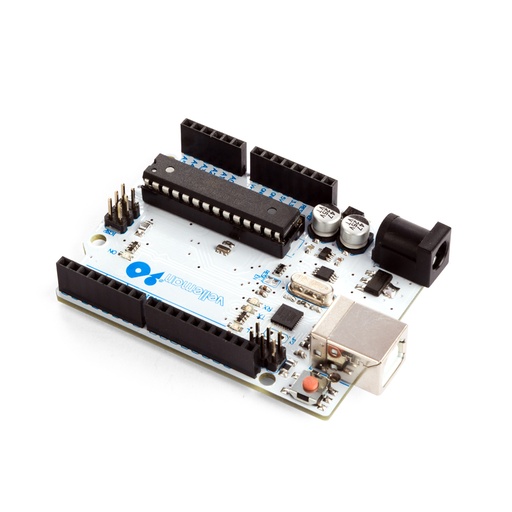
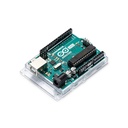
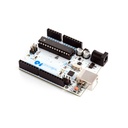
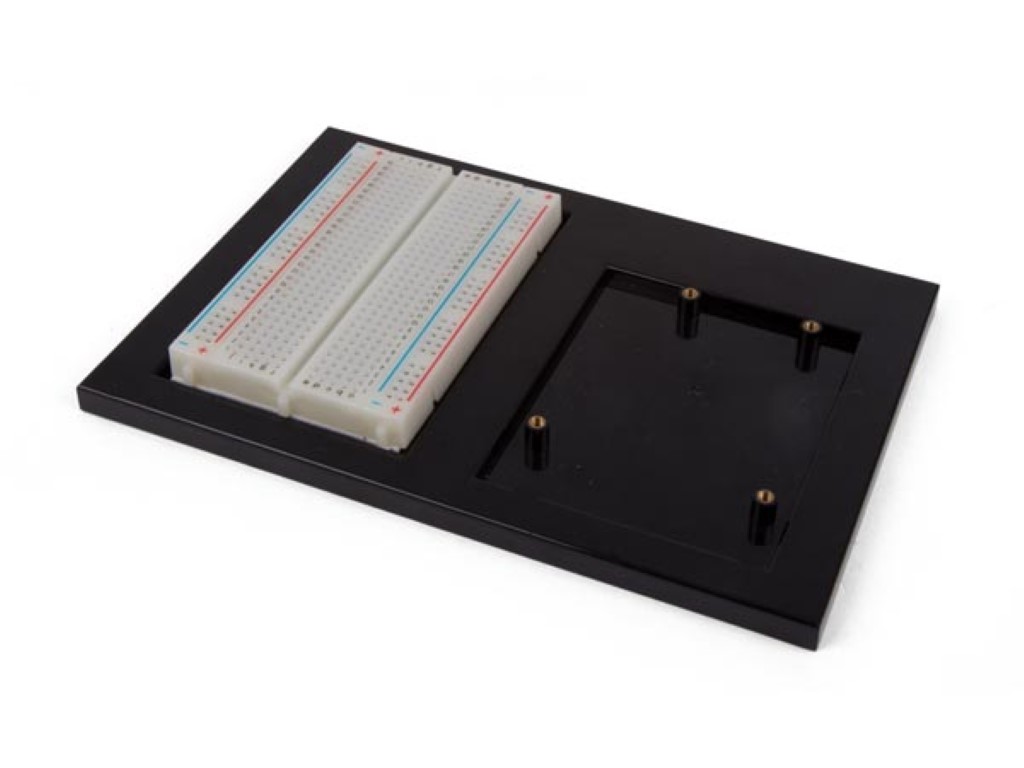
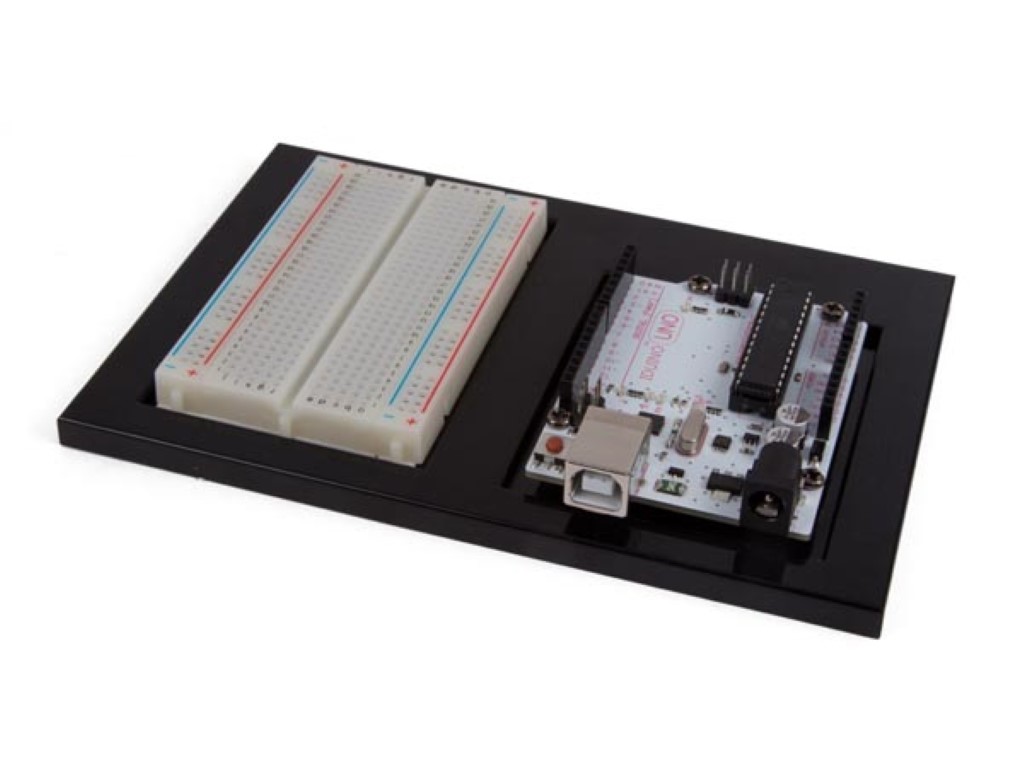
Turn a program into a working electronics project with a development board suited to your design. Explore original Arduino boards, Whadda boards in UNO, MEGA and Nano formats, and an ESP32 option for wireless projects, with a project holder for organising an UNO and breadboard setup.
Board size, processor, available inputs and outputs, and operating voltage affect both your circuit and your code. An UNO-format board offers a familiar starting layout, a MEGA format provides more connection space, and a Nano format suits compact builds. ESP32 adds a different platform with Wi-Fi and Bluetooth.
Original Arduino products and compatible boards have separate specifications: a shared name or shape does not make every accessory interchangeable. Check pin assignments, signal voltage, USB connection and software support before selecting sensors or shields. Some boards need headers fitted. The Arduino Due uses 3.3 V I/O, so take particular care when connecting 5 V modules.
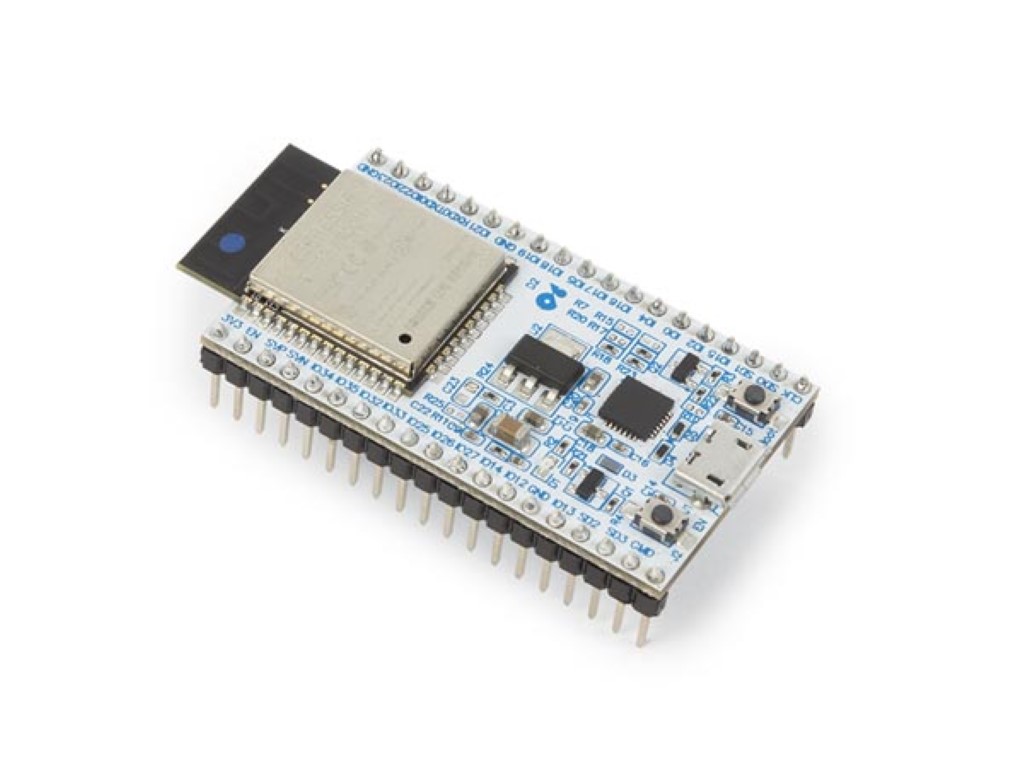
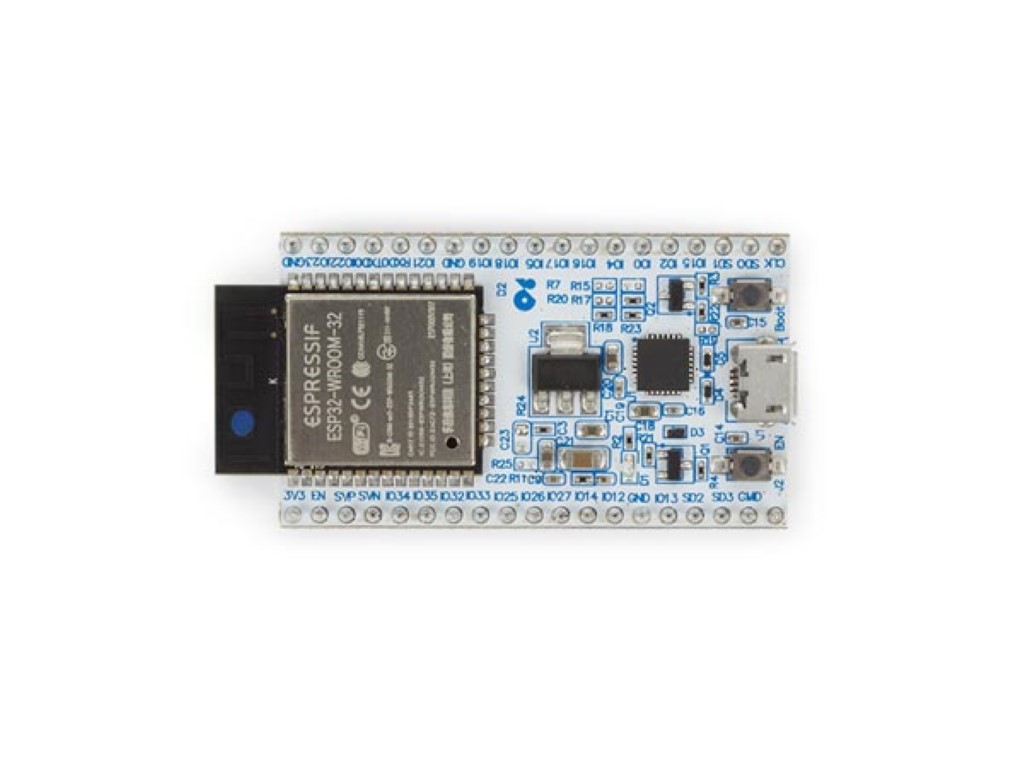
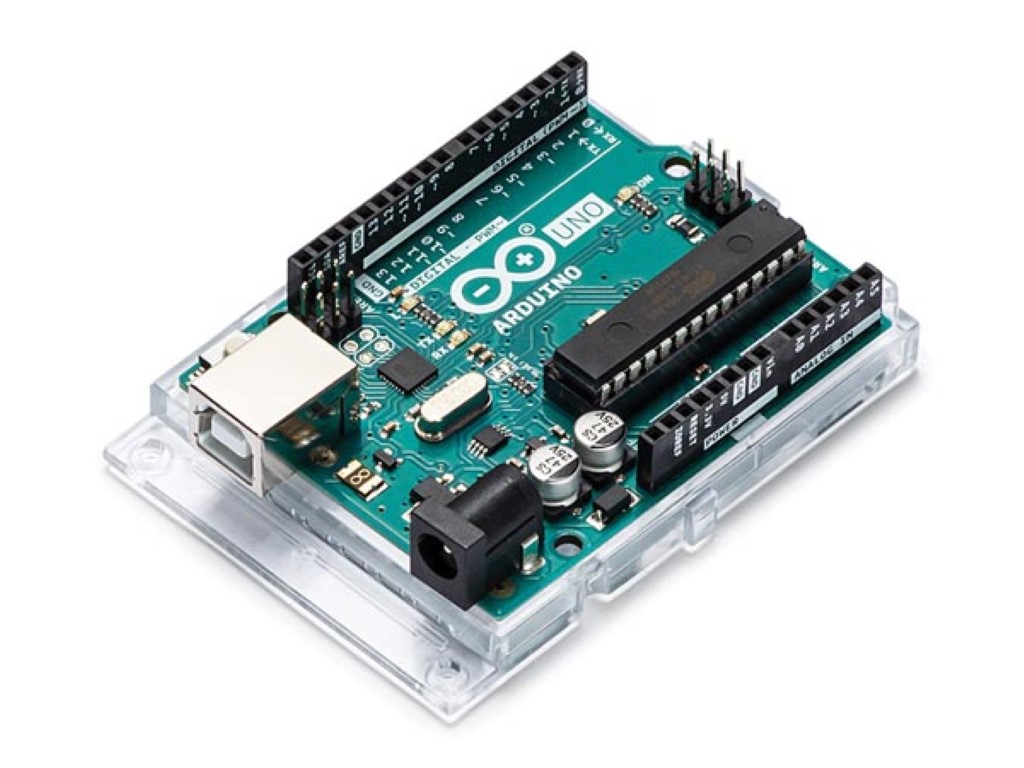
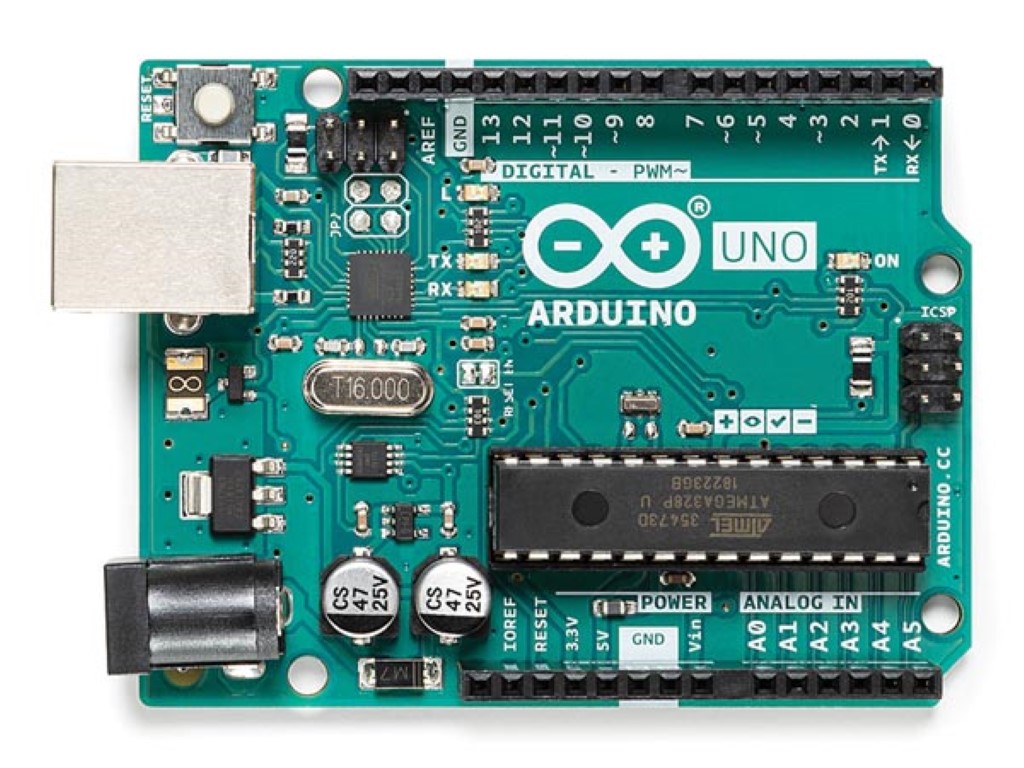
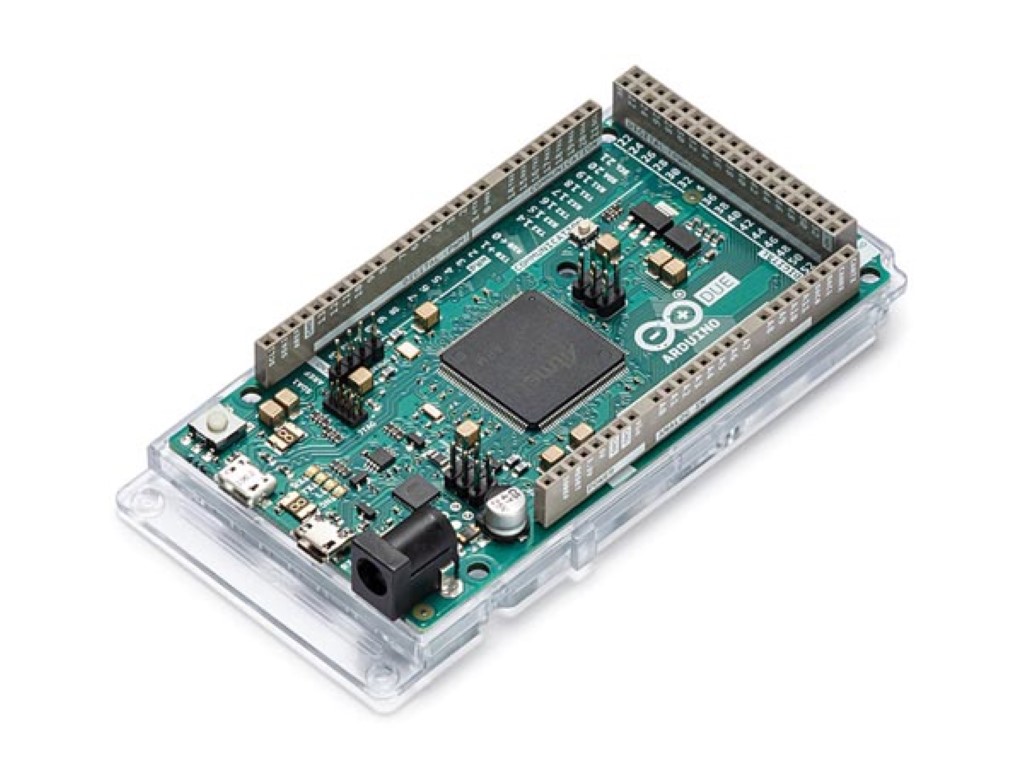
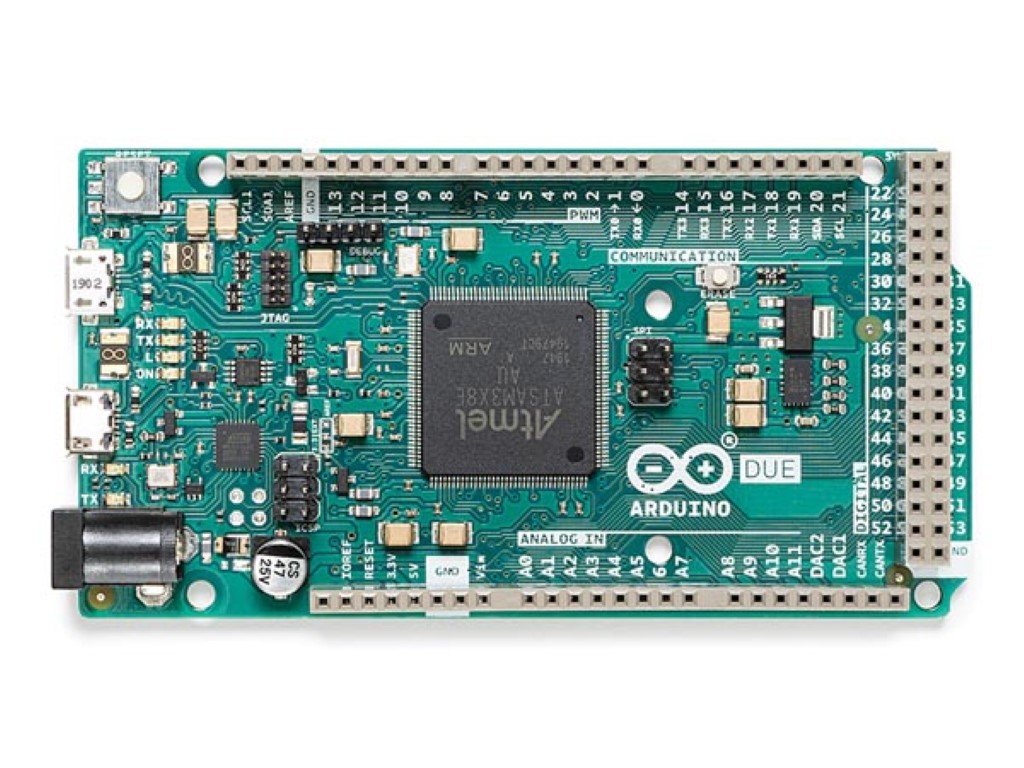
Choose by required inputs, outputs, communication and software environment. A simple LED project needs less hardware than a sensor network or motor controller. Also consider board size, logic voltage, power requirements and room for future additions.
Uno provides a familiar layout for many projects and shields. Mega offers more connections for larger projects, while Nano boards fit compact builds. The exact processor, voltage and features still depend on the model and generation.
No. Wireless functions are model-specific. Choose a board that explicitly supports the Wi-Fi or Bluetooth function your project needs, rather than assuming it is included because the board is programmable or Arduino-compatible.
Sometimes, but processor architecture, pin mapping, libraries and electrical features can differ. Select the correct board support in your programming environment and review connected hardware before transferring a project to another model.
You typically need a suitable USB data cable, programming software and the components used by your project. A breadboard and jumper wires simplify experiments. Motors and other substantial loads may require drivers and separate power.