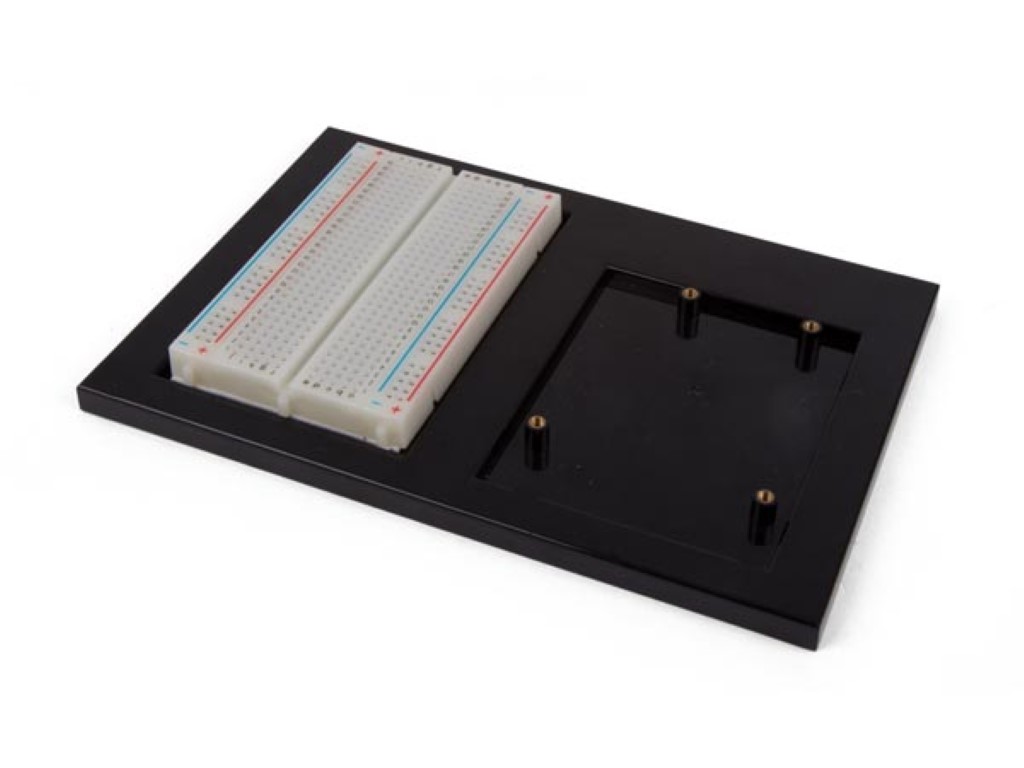
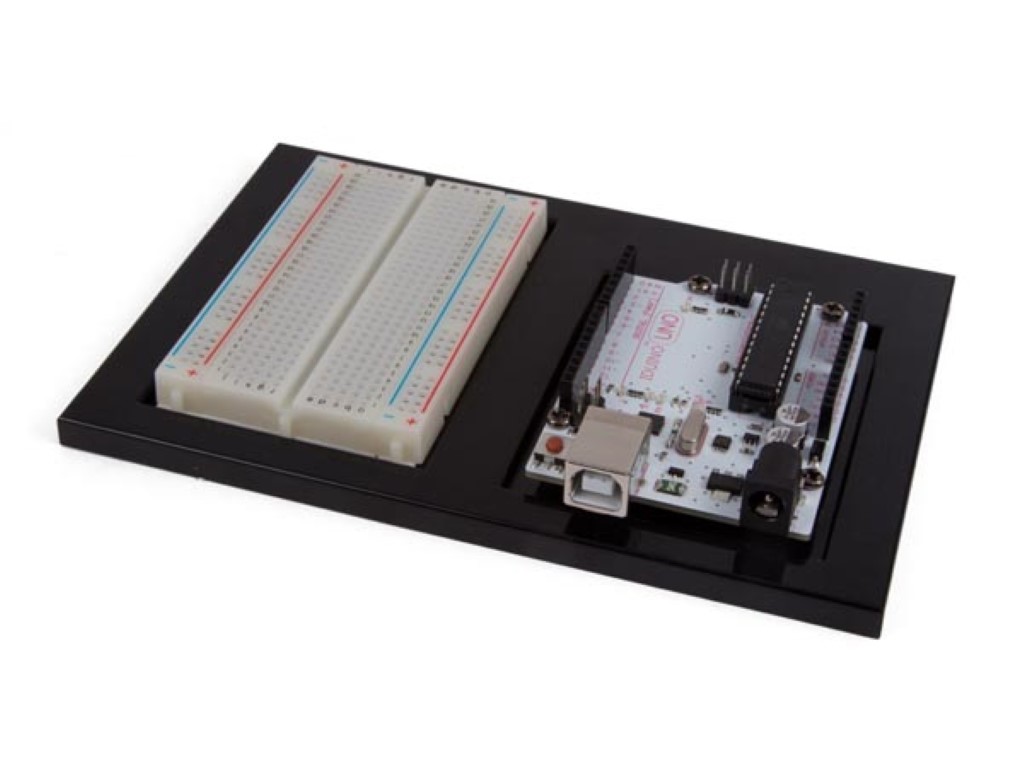
Keep an Arduino UNO and its breadboard together while you build and move a prototype. The Whadda WPA508 project holder gives both parts a defined place, helping you organise a small experimental circuit and keep its board-to-breadboard connections easier to follow.
This accessory includes a 400-point breadboard and four M3 x 8 mounting screws. The UNO development board is not included. Its mounting arrangement is intended for an Arduino UNO, so check the mounting holes and board outline if you use a compatible alternative.
Use the holder when you want a tidy base for lessons, demonstrations or repeated experiments. Check the available worktop space and cable access before fitting your board. The holder provides mechanical organisation; you still select the controller, components, jumper wires and power connection for your circuit.
A holder keeps a compatible development board and breadboard together, making a temporary circuit easier to move and work on. It is useful for desk experiments where loose boards and changing jumper connections can become awkward.
Match the board outline and mounting-hole positions, not just the Arduino name. Also allow access to the USB connector, power input and headers. A holder designed for an Uno format is not automatically suitable for other board shapes.
A holder is a mounting accessory, not the controller itself. For WPA508, the Arduino Uno is separate. Distinguish the supplied holder and breadboard from the programmable board and project components you still need.
No. A holder supports an accessible experimental setup. An enclosure surrounds the finished assembly and may provide additional protection according to its design. Choose the mounting approach based on whether you are experimenting or finishing an installation.
Secure the board and breadboard, leave space for cables and avoid tension on jumper connections. A shared holder helps keep the layout together, but the electrical connections should still be checked after transport.