22.27 €
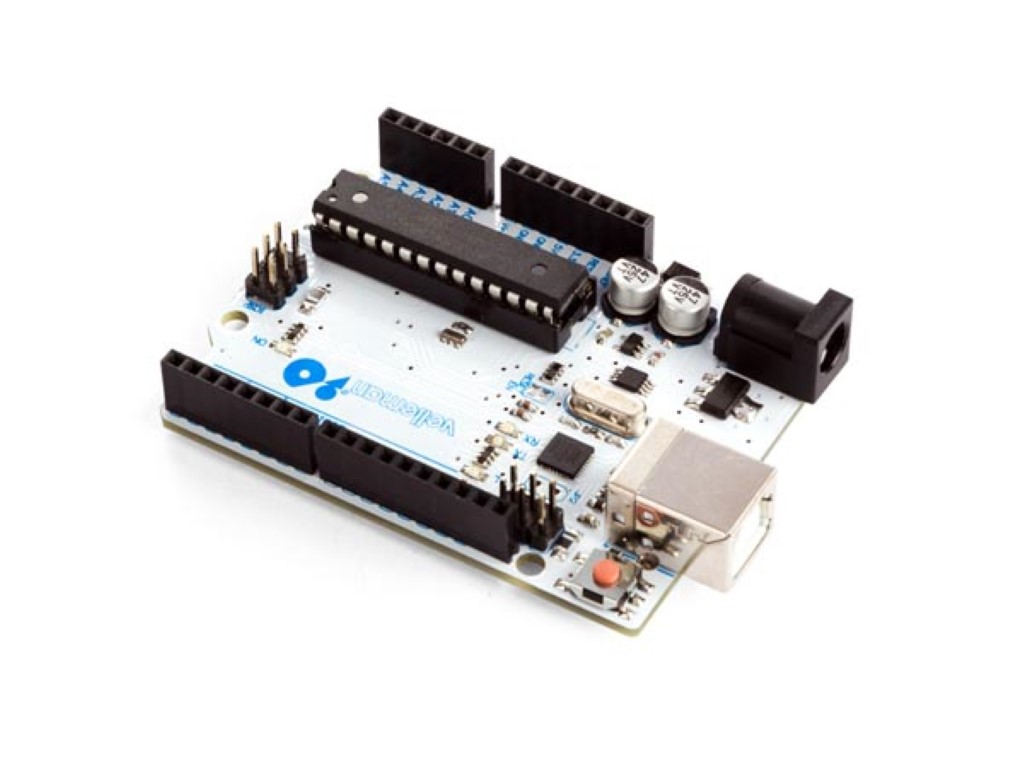
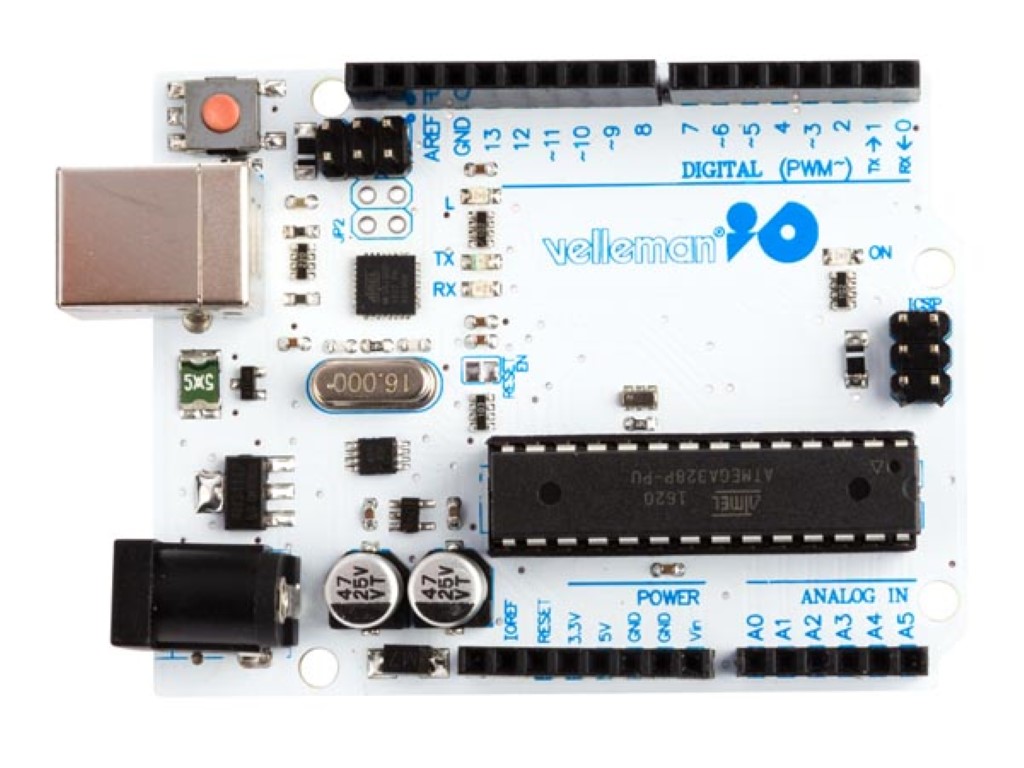
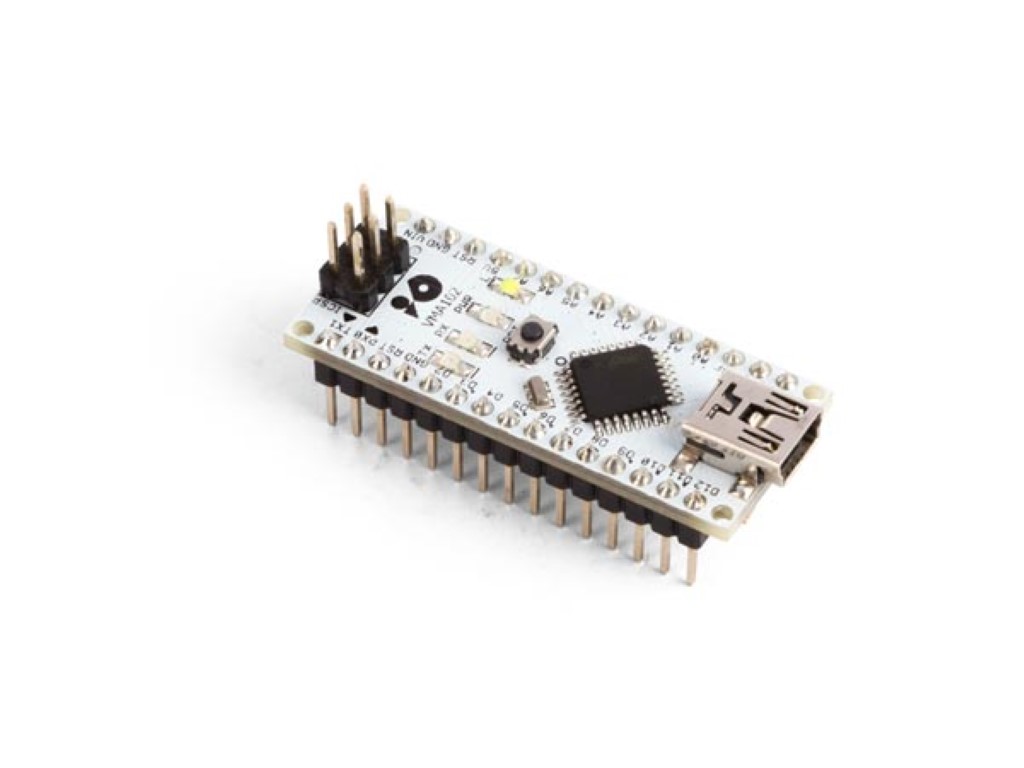
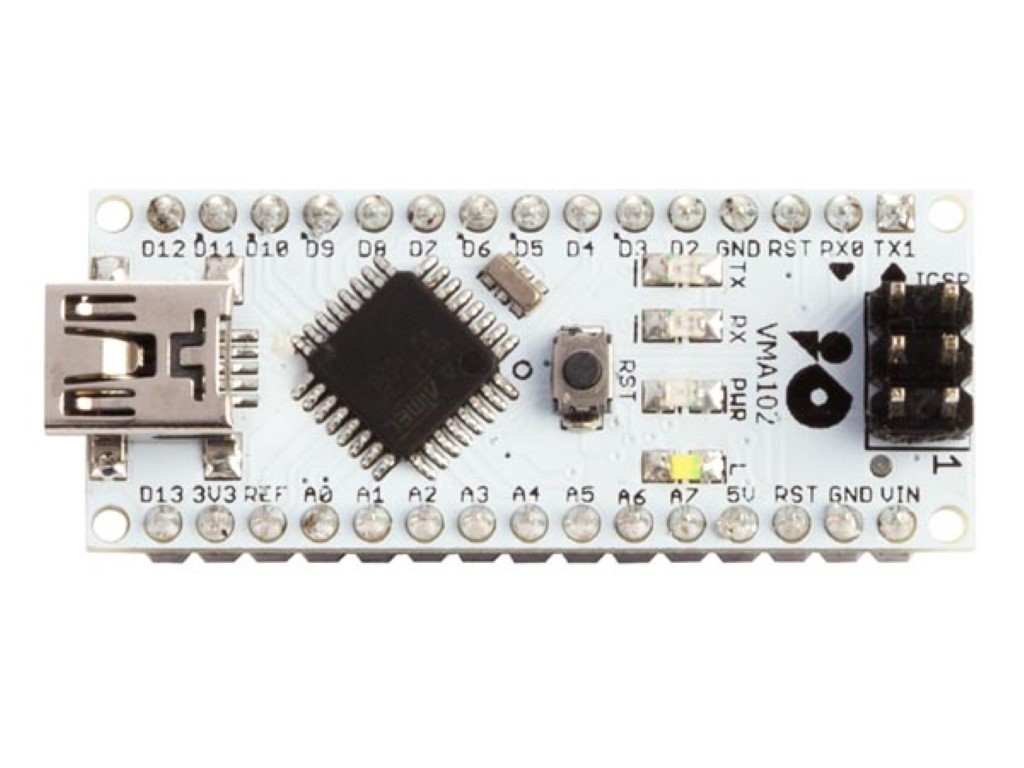
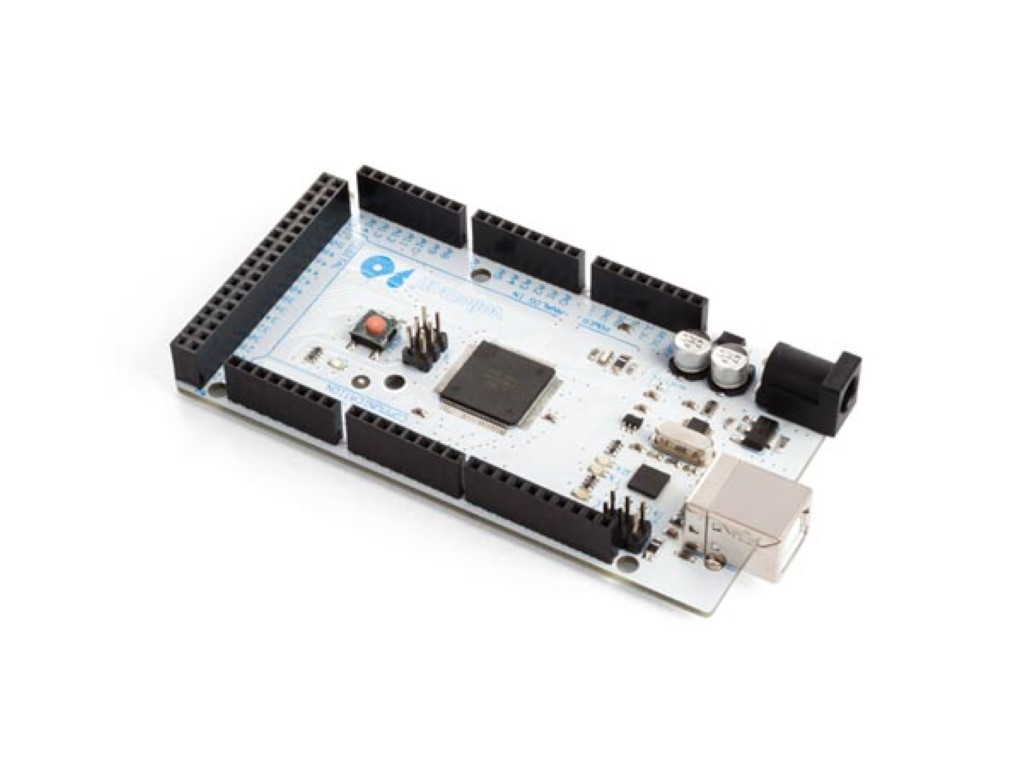
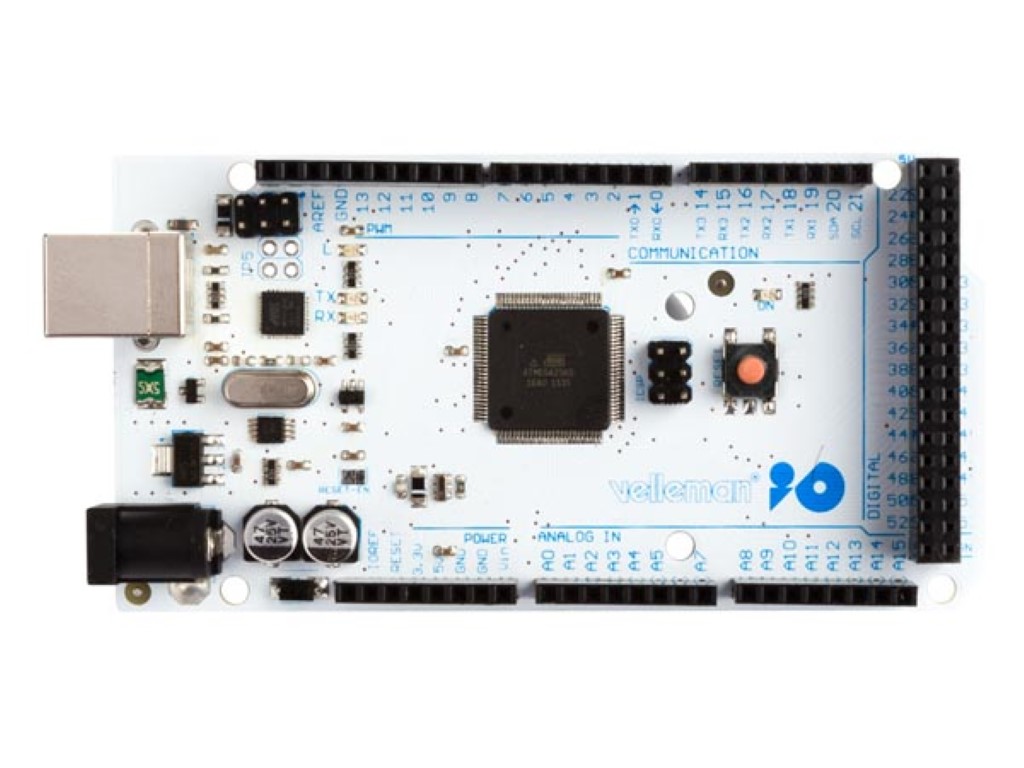
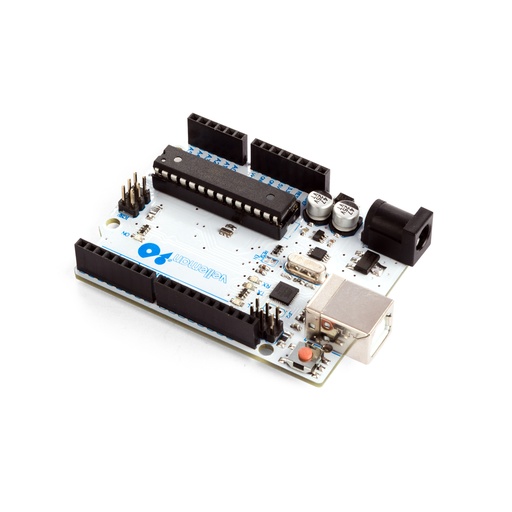
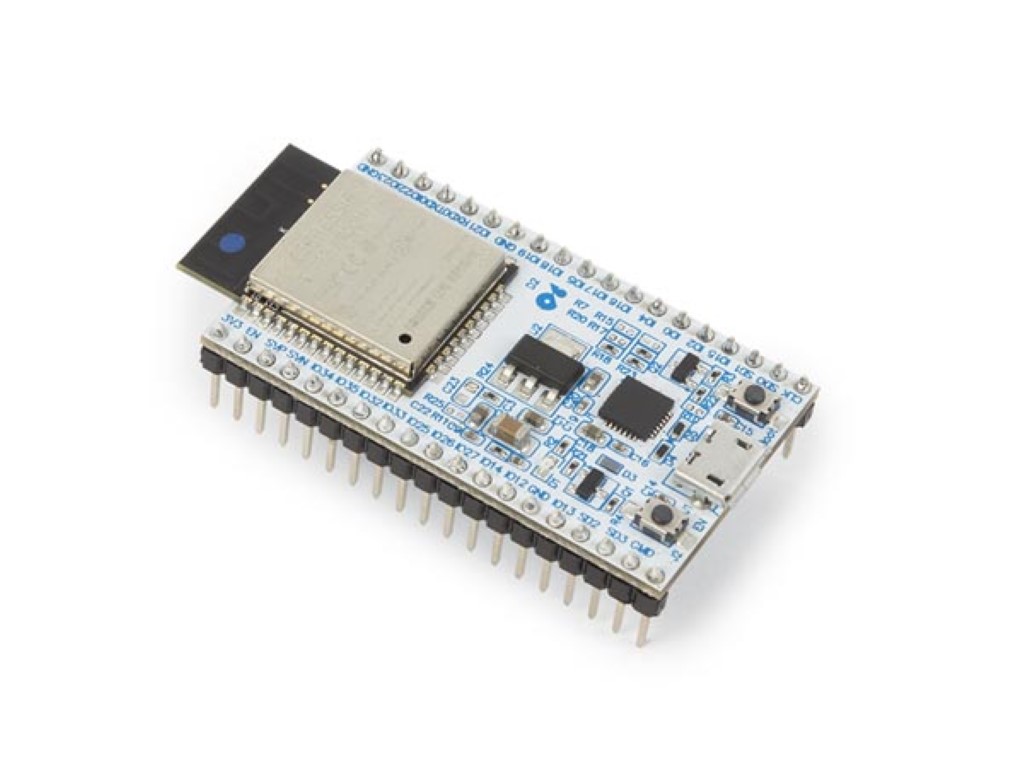
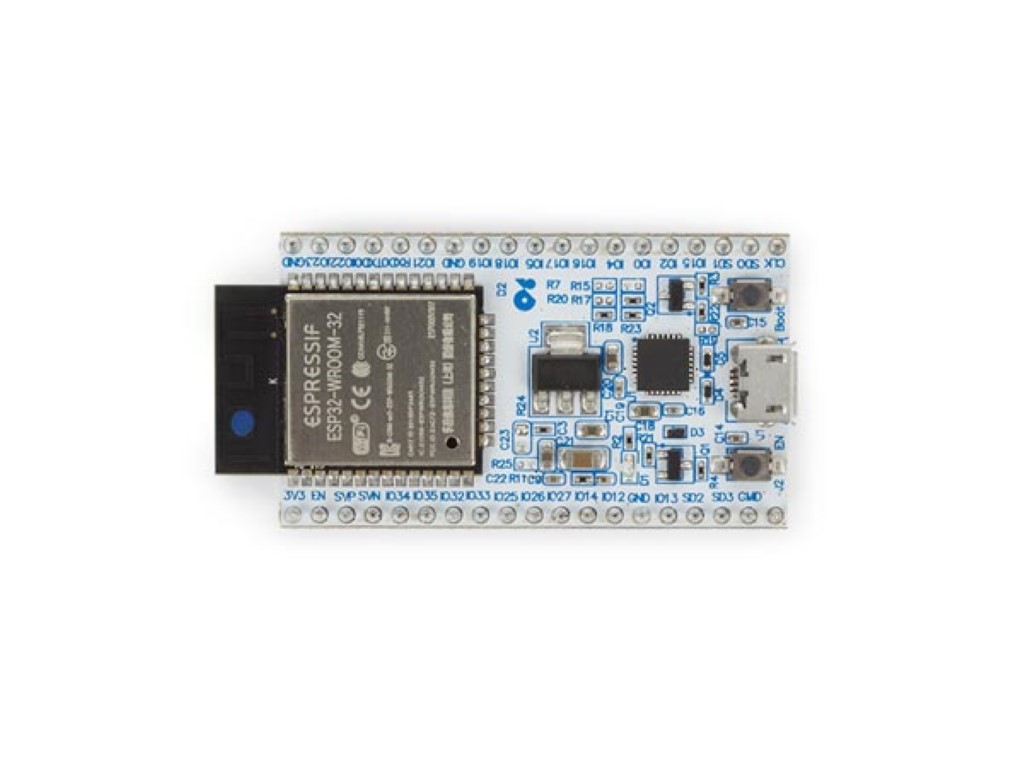
Choose a microcontroller development board to read sensors, control outputs or connect a project wirelessly. These Whadda boards include ATmega328 UNO and Nano formats, an ATmega2560 MEGA format and an ESP32, allowing you to match the hardware to your available space and connection needs.
UNO and Nano formats offer different physical layouts for ATmega328 projects. The MEGA format is useful when a design needs more I/O connections. ESP32 brings Wi-Fi and Bluetooth for connected experiments, but uses a different processor platform. Check the required board support and libraries before adapting an existing program.
Compare pin assignments, signal levels, supply requirements and USB connectors. A familiar board shape does not guarantee that every shield, example program or sensor can be used unchanged. Plan enough space for headers and cables, and choose a breadboard or mounting arrangement that leaves the connections accessible. These are programmable boards for building your own application.
Choose an Uno-style board for a familiar prototype layout, a Mega-style board when you need more connections or a Nano-style board for compact builds. For a connected project, compare the wireless features of the ESP-based boards.
They use different microcontroller families with different capabilities and software support. ESP-based options can add wireless functions, while familiar ATmega formats suit many established projects. Compare pinout, logic voltage and libraries before transferring a design.
No. Compatibility relates to a particular board format, processor or software environment. It does not make every compatible board interchangeable. Compare the exact reference model and electrical requirements of the peripherals you intend to connect.
No. A prototyping shield provides a place for your circuit and connects to a suitable controller board. It is an expansion for building custom hardware, not a substitute for the development board that runs the program.
Use a suitable data connection, programming environment and the board support package for the exact model. Some boards also need a particular driver or programmer. Match the setup to the chosen board before starting the project.