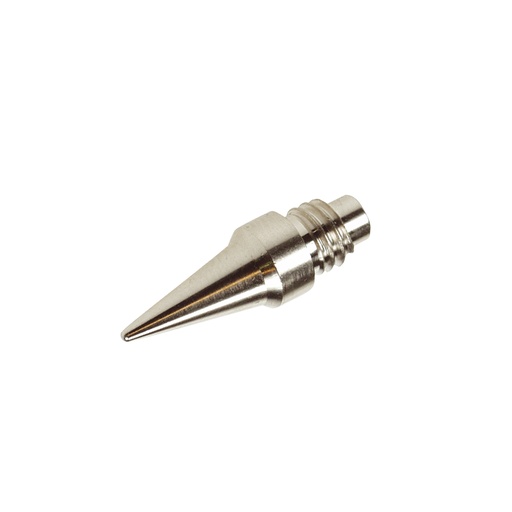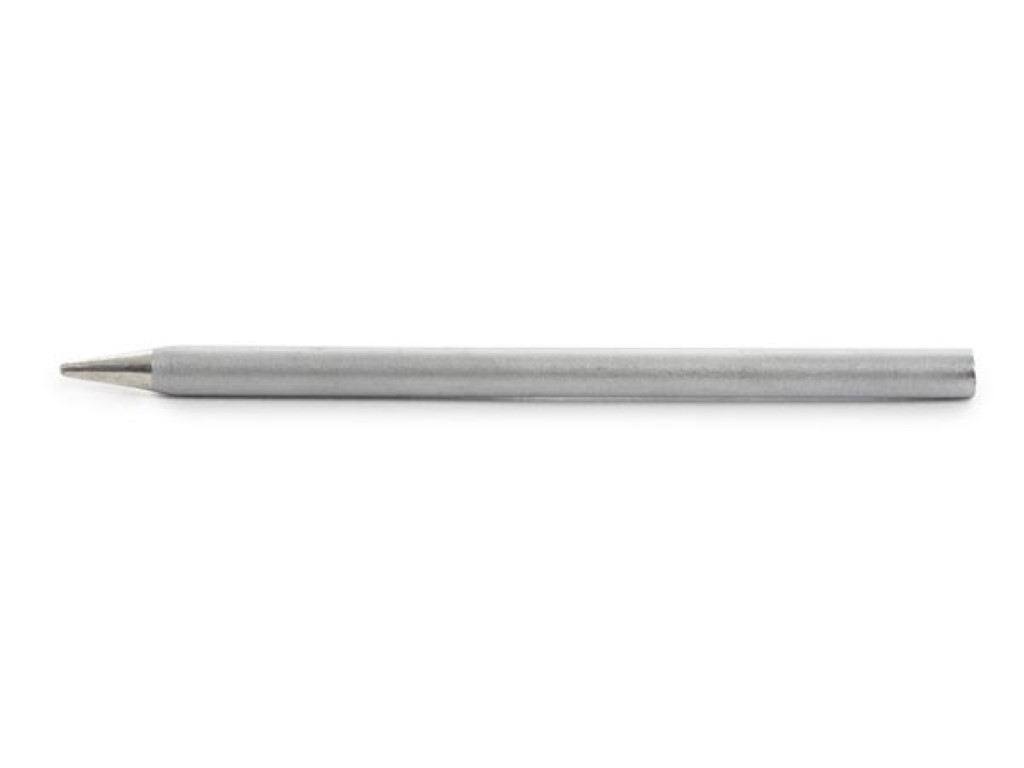
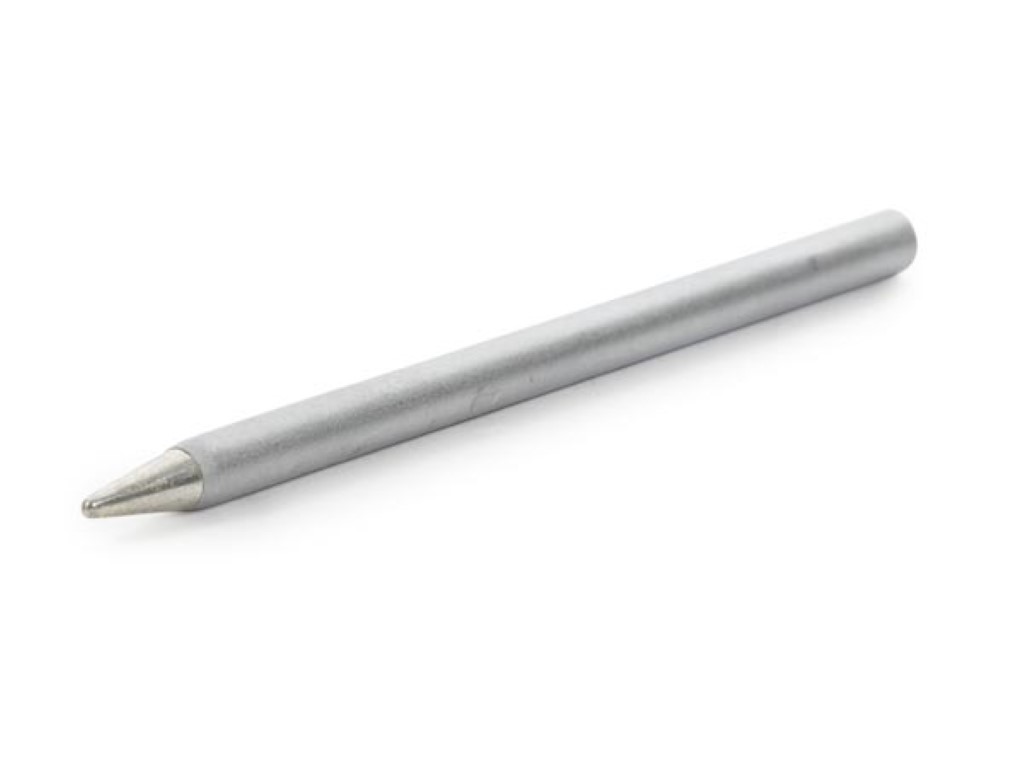
Replace the working tip of your VTSUSB1 rechargeable soldering iron with the matching VTSUSB1/SP1 spare. Use this model-specific replacement to maintain your existing cordless iron without buying another complete tool. Check the model reference on your iron before selecting the part.
The VTSUSB1/SP1 has a conical working end and is specified for VTSUSB1. It is a tip only: the battery, charger and iron body belong to the complete tool. Do not assume it fits another USB iron simply because that iron is rechargeable.
Switch the iron off and let it cool before changing the tip, following the fitting instructions. Keeping the correct spare on hand is useful when the original tip becomes worn or damaged.
Identify the exact tool model and select its specified replacement reference. USB describes the power or charging connection, not a universal tip standard.
They have different listed replacements: VTSUSB1/SP1 for VTSUSB1 and VTSUSB3/SP1 for VTSUSB3. Choose the matching reference rather than assuming that similar names indicate interchangeability.
A compatible tip can address normal tip wear. Damage to the battery, charging system, handle or heater needs a different assessment; a new tip will not repair an unrelated fault.
A pointed tip reaches small spaces, but enough contact area is still needed for heat transfer. Larger terminals may need a different compatible tip or a tool with more suitable heating capacity.
Follow the tool’s cleaning and tinning guidance, and avoid damaging plated surfaces with files or abrasive scraping. Let the tool cool before replacing the tip using its specified procedure.